Quick Pack
$4.99 once
10 swaps with no expiry
See a piece you love? Try it on in your own photo before you decide.
Try on an outfit First swap free · No card neededTry without signing in ↗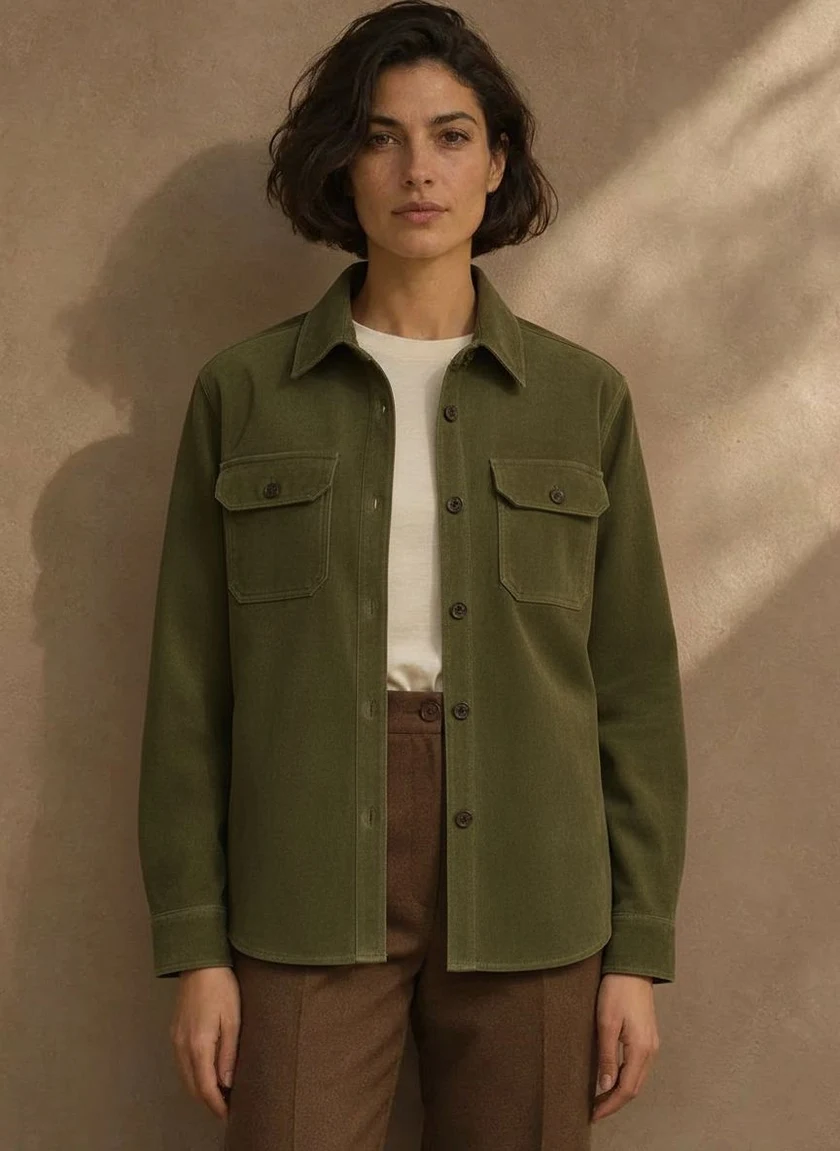
 Garment reference
Start with the look you want to judge. A picture that helps you choose a T-shirt for a portrait might leave half a long coat outside the frame.
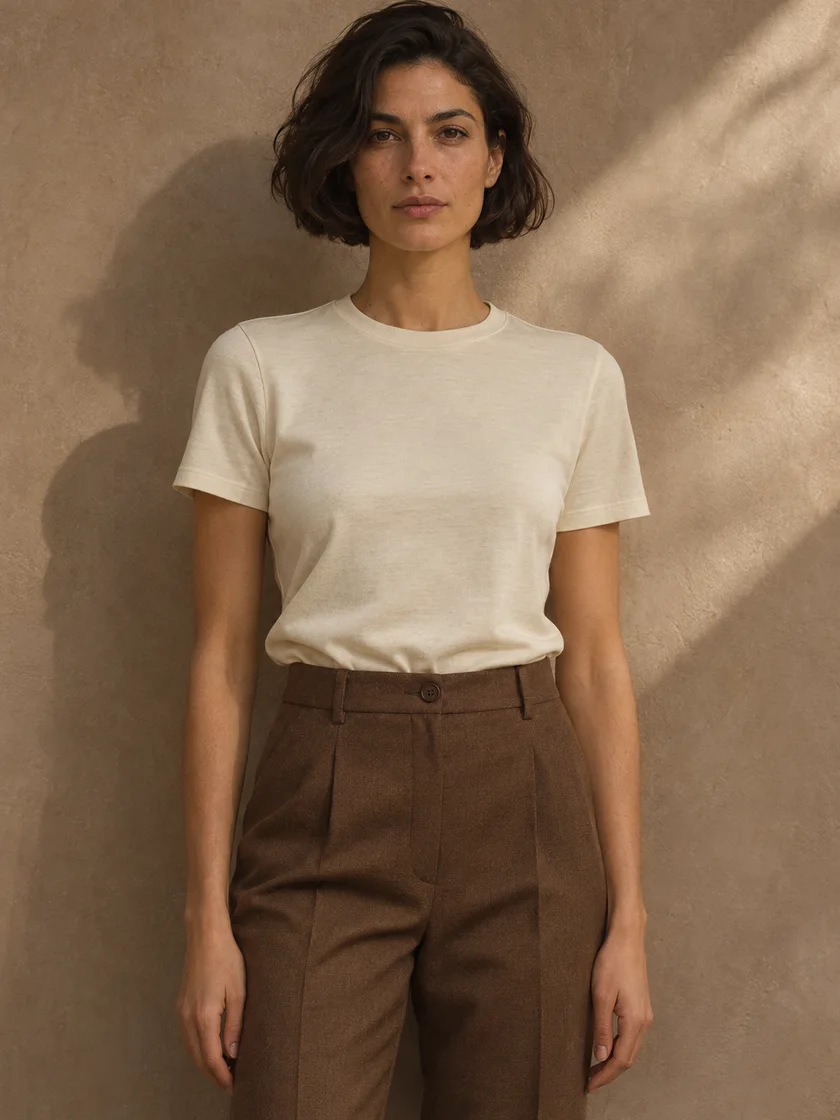
Choose a picture of yourself in a pose you would actually wear the outfit in. A waist-up portrait gives a collar or neckline room to show. For trousers, step back until your shoes are in the frame. Set your phone on a shelf and use the timer if a mirror selfie puts your hand across the clothes. Keep this picture handy. Using the same starting pose in the clothes changer makes two previews easier to compare.
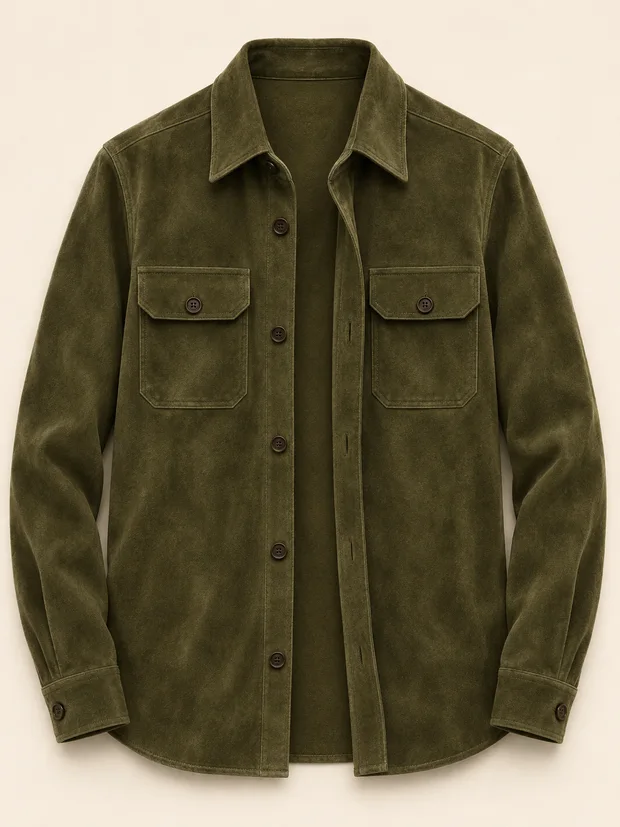
A shop’s front-view product shot, a piece from your wardrobe laid on the bed, or a clear picture of someone wearing the item can all work. Check the edges before you upload. A sleeve folded behind the body or a price sticker across a pocket leaves the model guessing. If the reference is a shopping screenshot, crop away the other product thumbnails and leave a little space around the piece you want.
Open the AI clothes changer, add the two pictures and start your clothes swap. Move the comparison handle across the area that matters to you. On a jacket, that might be the shoulder or the point where the hem meets the waistband. Save the finished photo for yourself, or export the side-by-side view while the original is still open. The paired image lets a friend see exactly what changed.
Fitting room
Choose a clear photo of yourself and a picture of the piece you want to wear.
JPG, PNG or WebP · Up to 15 MB eachPricing
Your first swap is free. Buy a pack for a single project or choose a monthly plan. Monthly credits expire at the end of each billing period. Cancel anytime.
$4.99 once
10 swaps with no expiry
$9.99 / month
30 swaps per month
$19.99 / month
80 swaps per month
Each fitting pairs a person photo with one clothing reference. Drag the handle to see the generated result. You can also focus the slider and use the arrow keys to compare a detail at your own pace.
In this jacket clothes swap, the chest pockets make a useful reference point. Follow the horizontal flaps across the split, then look at the strip of white T-shirt between the two sides of the jacket. The flat garment shows how the buttons and pockets are arranged. The preview shows how opening the front breaks up the block of green against the brown trousers. Pause near the cuffs if you are deciding whether to wear a longer layer over a tucked-in T-shirt.
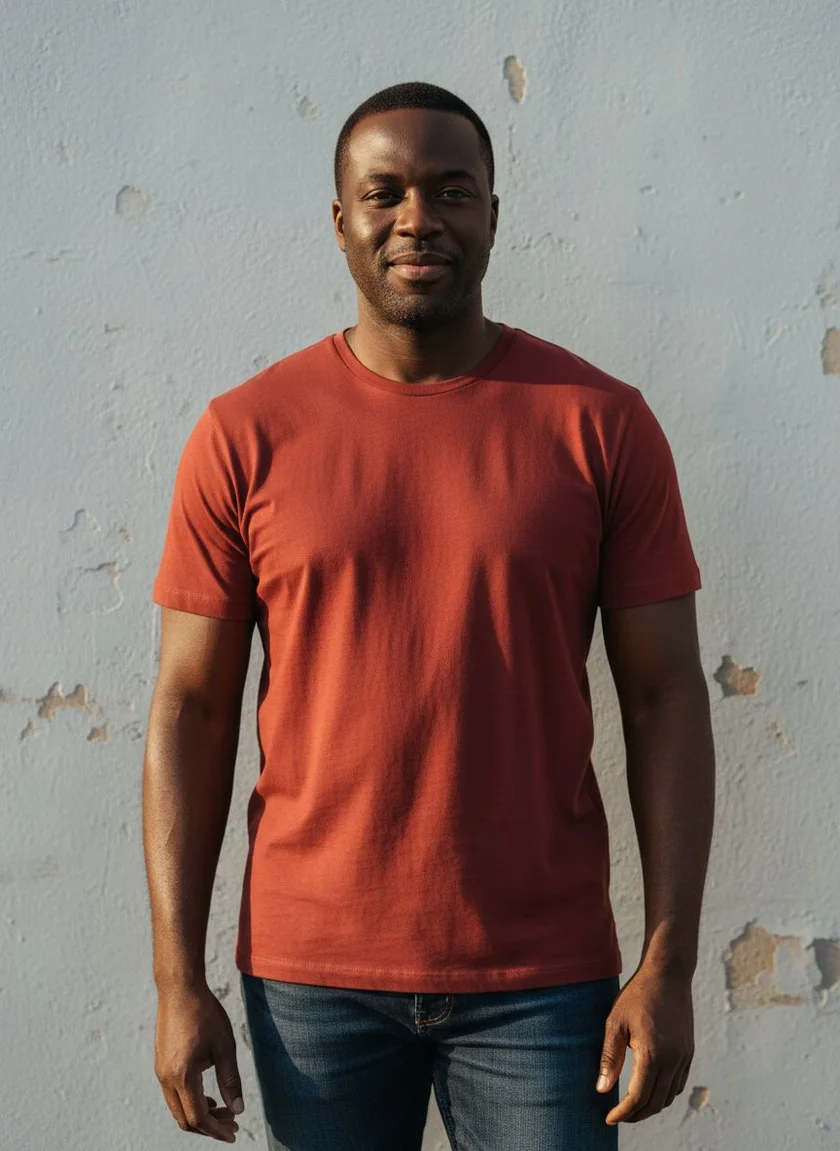
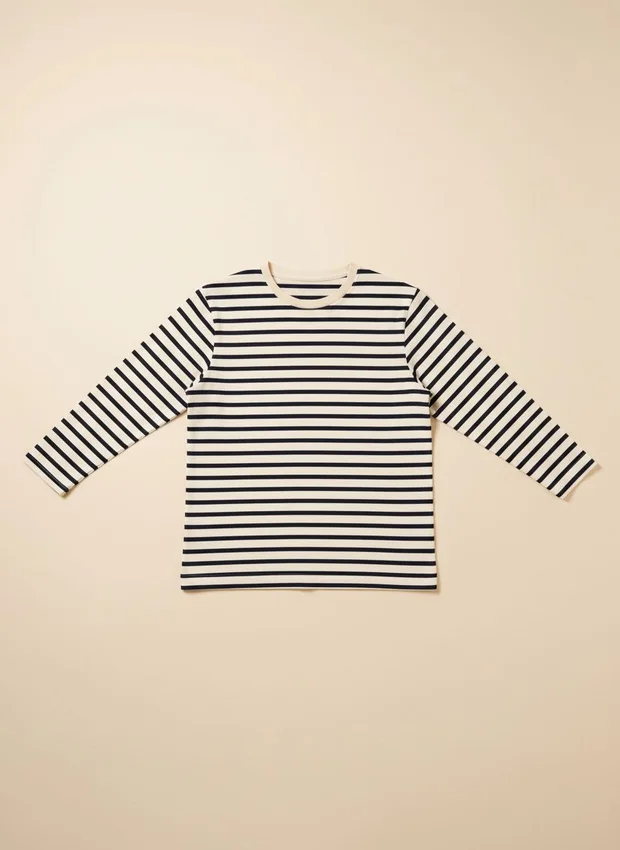

Stripes give you a way to inspect a clothes changer result: follow the pattern where the body meets the sleeve. Trace one band from the chest toward the upper arm, where it needs to turn around the sleeve. Then look at the neckline in the source photo and the reference. If the spacing of the bands is what draws you to the piece, keep the product picture beside the preview when comparing. At a smaller screen size, look at the overall contrast first and open the saved photo to inspect the finer lines.
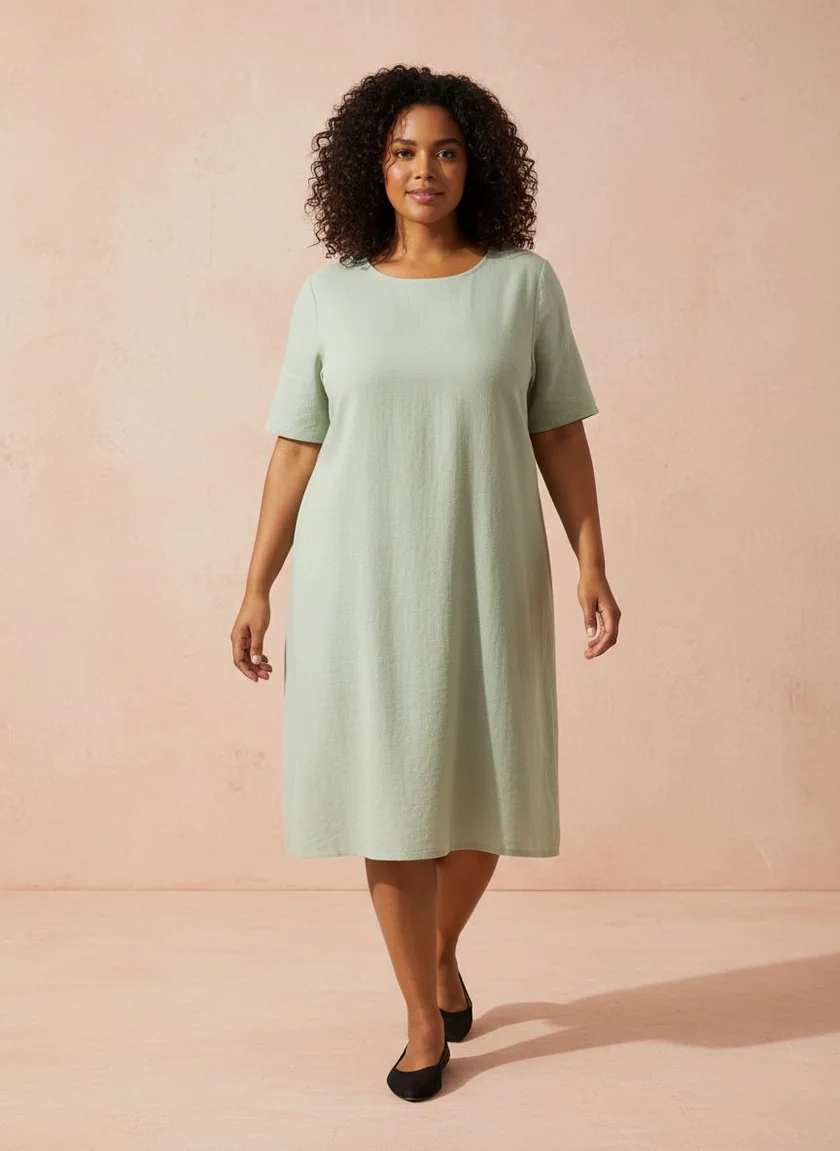
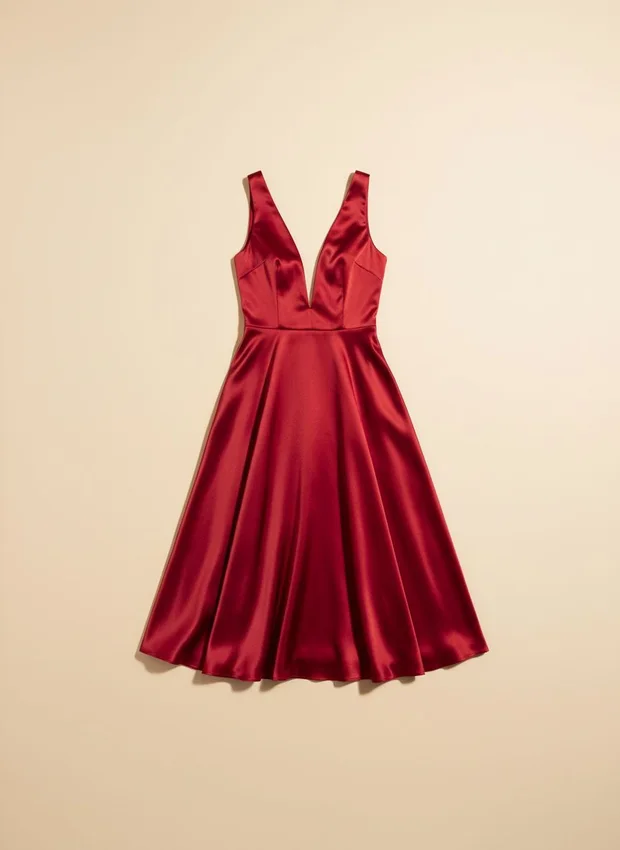
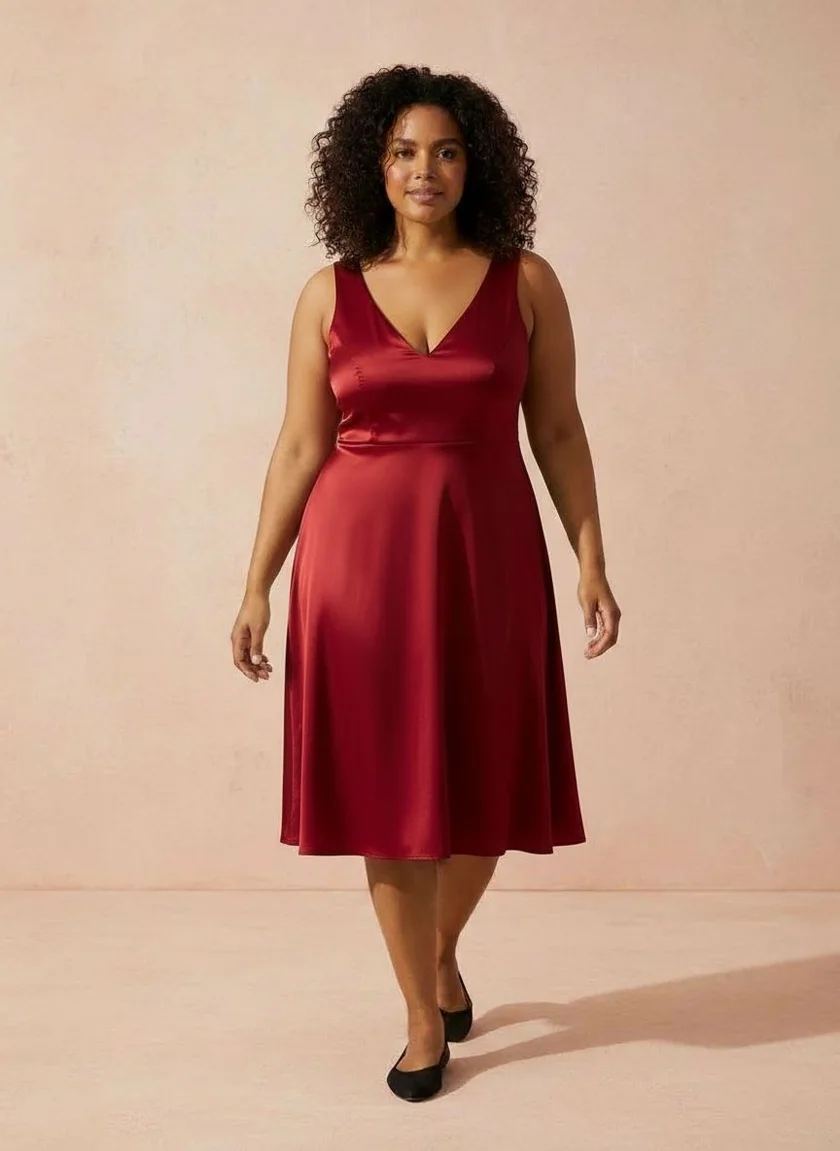
For a full-length clothes swap, the useful question often sits at the bottom of the picture. Where does that uninterrupted stretch of color end, and how much of the lower leg shows? Look at the hem first, then move the slider slowly past the waist and armholes. Those transitions show how a single piece changes the proportions of the whole outfit. To try a different length yourself, keep the camera in the same position and change only the dress reference.
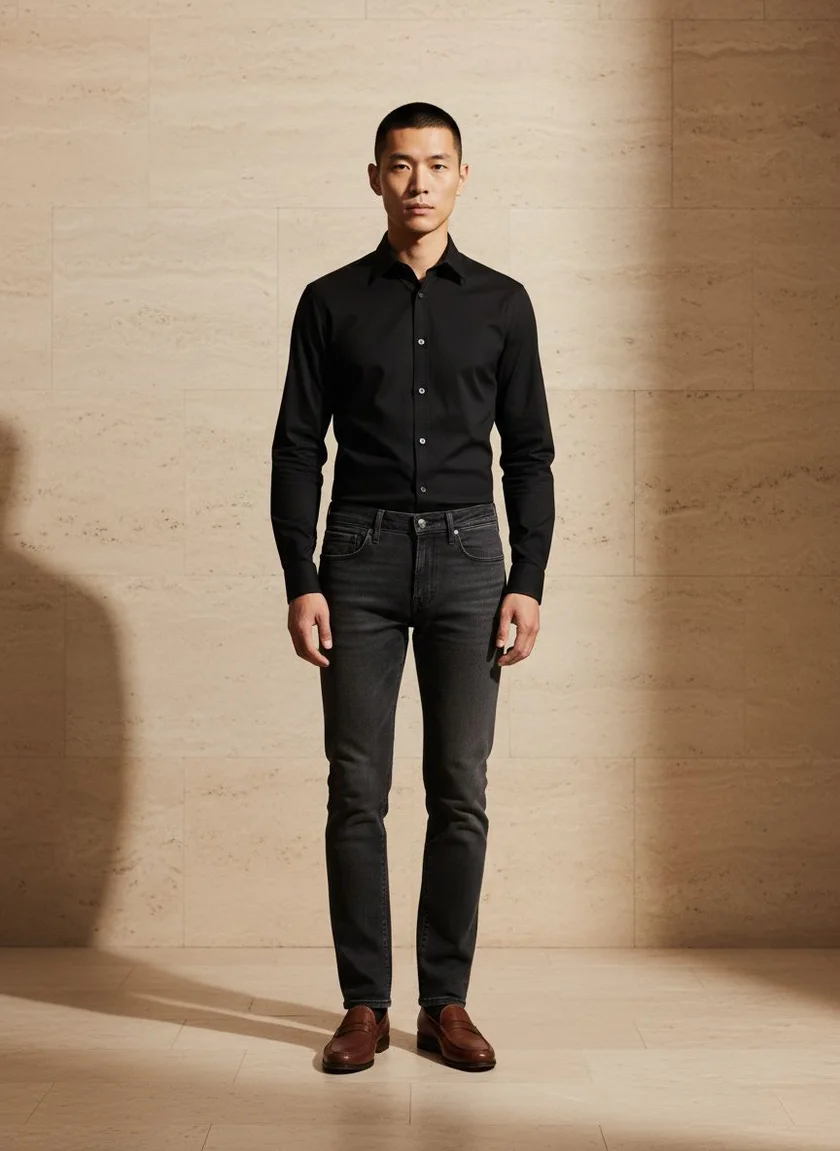
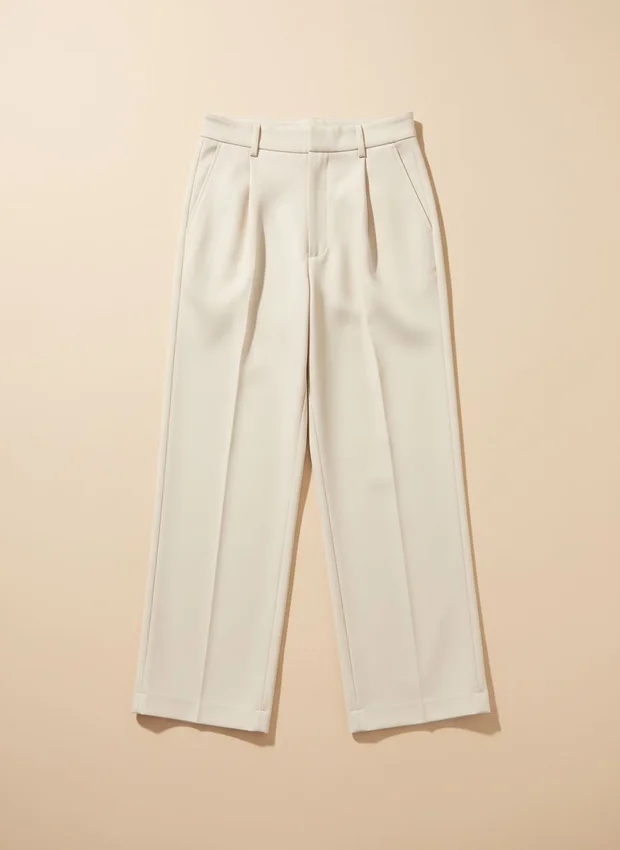
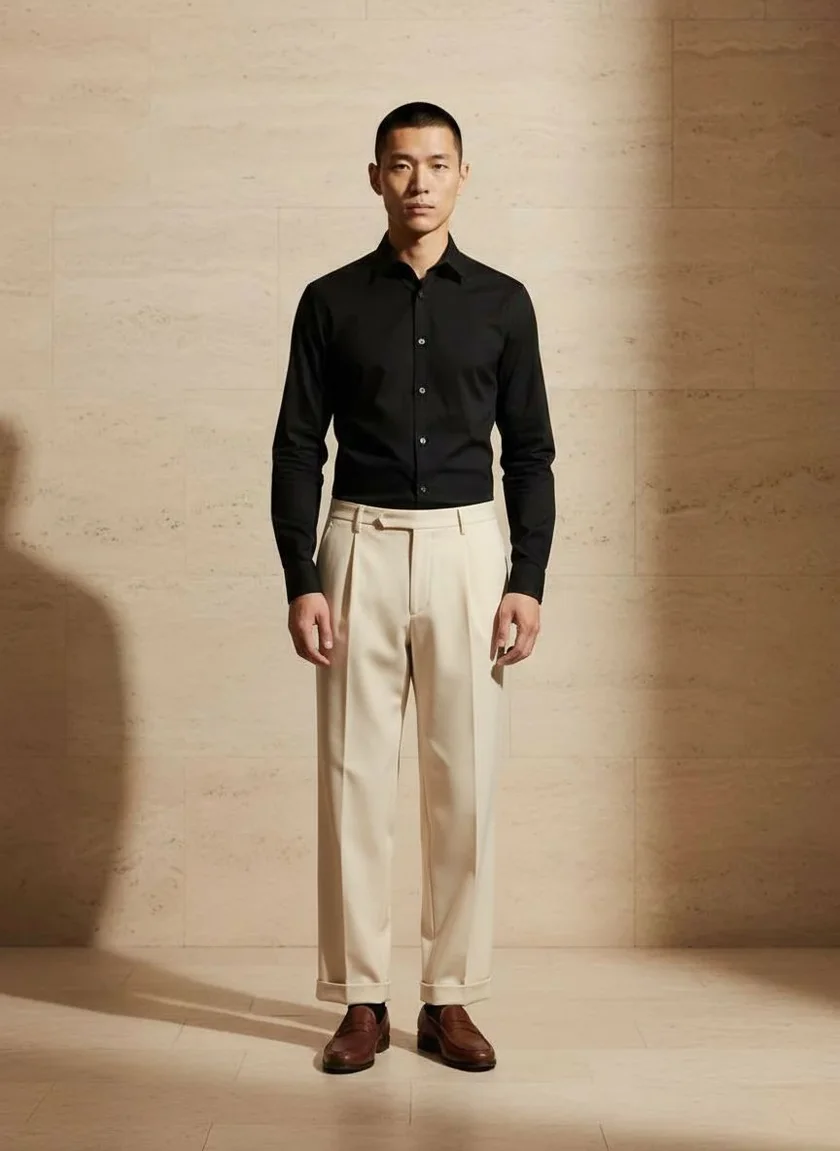
Use the clothes changer’s divider at the waistband, then follow the lighter fabric down to the shoes. A darker shirt gives the waist a clear edge, so you can judge the balance between the two pieces. The width at the ankle is easier to read when both feet are visible. For the actual inseam, use a tape measure on trousers you already own. Lay them flat and measure the inside seam from the crotch down to the hem before you check a listing.
If two shirts are sitting in your cart, use the same person photo for both previews. Choose front views from each listing and keep your usual jeans or skirt in the frame. You can then compare the collar against your face, or see which color works with a jacket you already wear. For sizing, take the measurements of your favorite shirt and check each shop’s chart. A rendered sleeve can look just right even when the real garment has a different sleeve length.
Try a free clothes changeTake a photo in the item you plan to keep, such as your favorite dark trousers. Try a lighter top or an overshirt from the sample wardrobe and see where the two colors meet. A shorter hem can make the waistband feel more prominent, while a longer layer covers it. Once you know which shape you like, take a flat photo of a similar piece from your closet. You can use that as the next reference before pulling everything off the hangers.
Choose a piece from the outfit changerFor dinner, a wedding or a work portrait, start with a personal photo that matches the occasion’s framing. A seated headshot gives you a good view of a collar, while a standing photo shows how a dress looks with your shoes. If you have permission to use an outfit photo from a friend, use it as the clothing reference. After generating, compare the colors in your preview with the original garment under daylight, especially when you need to match a specific dress code.
Swap an outfit from a reference photoA side-by-side is easier to discuss when your friend knows what you are choosing between. After you save the comparison, ask a specific question about the style, such as whether the lighter trousers go with your shoes or whether the jacket makes the outfit feel too formal. If the preview loses a detail you care about, take a new reference photo with that detail in view. Try unfolding the collar or moving a shoulder bag before making your next comparison.
Read the try-on photo guideYes. Use a photo of one garment on a hanger, laid flat, or photographed against a simple background. Pair it with a clear photo of yourself in a similar orientation.
The preview helps you see color, cut and styling. Check the retailer’s measurements for sizing. Small details like lettering and fabric texture can change in an AI image.
Save the generated outfit as a JPG. While your original photo is open, you can also export a side-by-side comparison with the Clothes Swap signature. Download your result within one hour.
Use the guest preview for one no-login try-on per network per UTC day while daily capacity lasts. Sign in with Google to receive one separate free account swap. A credit is reserved while a look processes and released if generation fails. Additional swaps are available with a one-time pack or monthly subscription.