Photo guide
Two photos for a better virtual try-on.
A good reference answers two questions. Where does the clothing sit on the person, and what does the new piece actually look like?
Match the crop to the garment
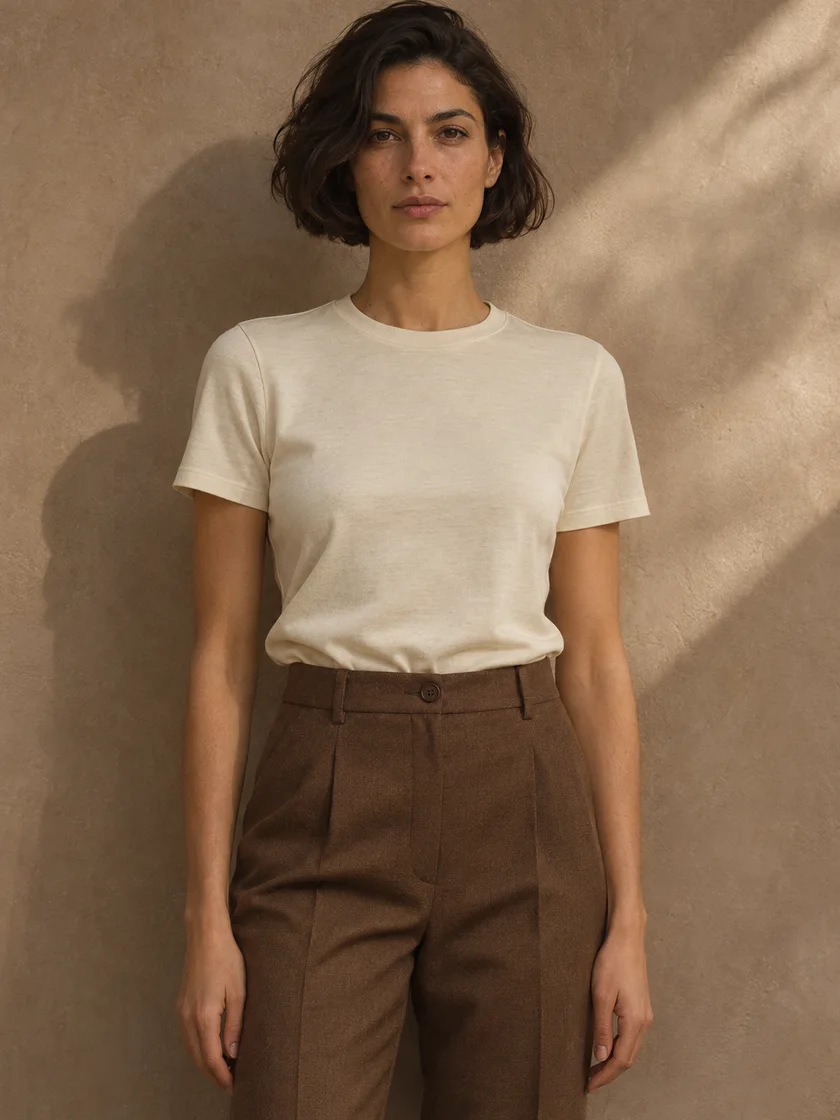
For a shirt or jacket, include both shoulders, the wrists and the hips. For trousers or a dress, step back until the hem and shoes are visible. A cropped selfie gives the model little information about the rest of your outfit.
Give the sleeves some room
Face the camera with your arms slightly away from your sides. Hold the camera at roughly chest height or use a timer. If a phone, handbag or crossed arm hides the neckline, try another photo.
Choose one clear garment reference
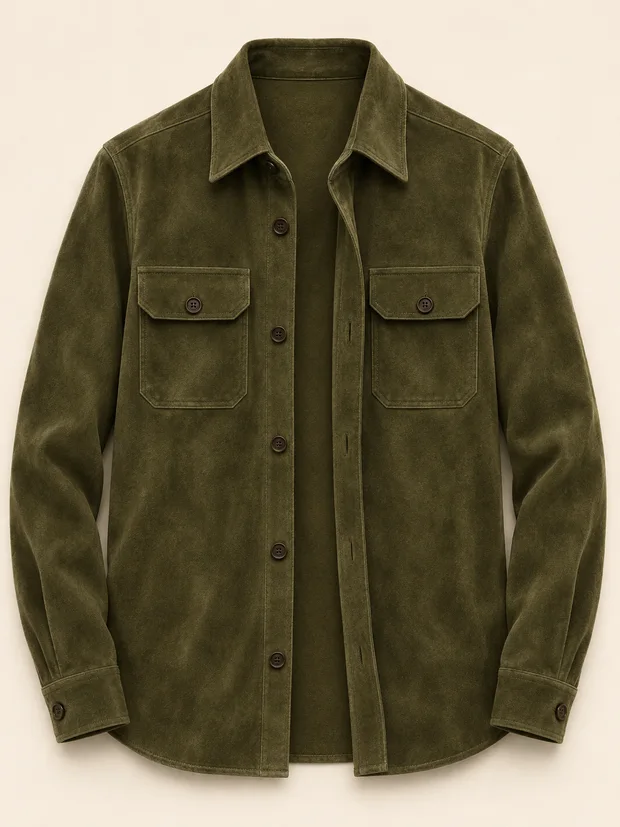
Use the front view on a hanger or a flat surface. Smooth the sleeves, show the hem and crop out surrounding items. For the jacket above, the collar, pocket placement and sleeve length give you specific details to check in the result.
Check the details before you buy
Compare the neckline, pattern and silhouette against the original garment. Fine lettering, translucent fabric and folds may change. For size, compare your measurements against the shop’s size chart.
Try your two photos ↗